All versions on GitHub
FunDoc
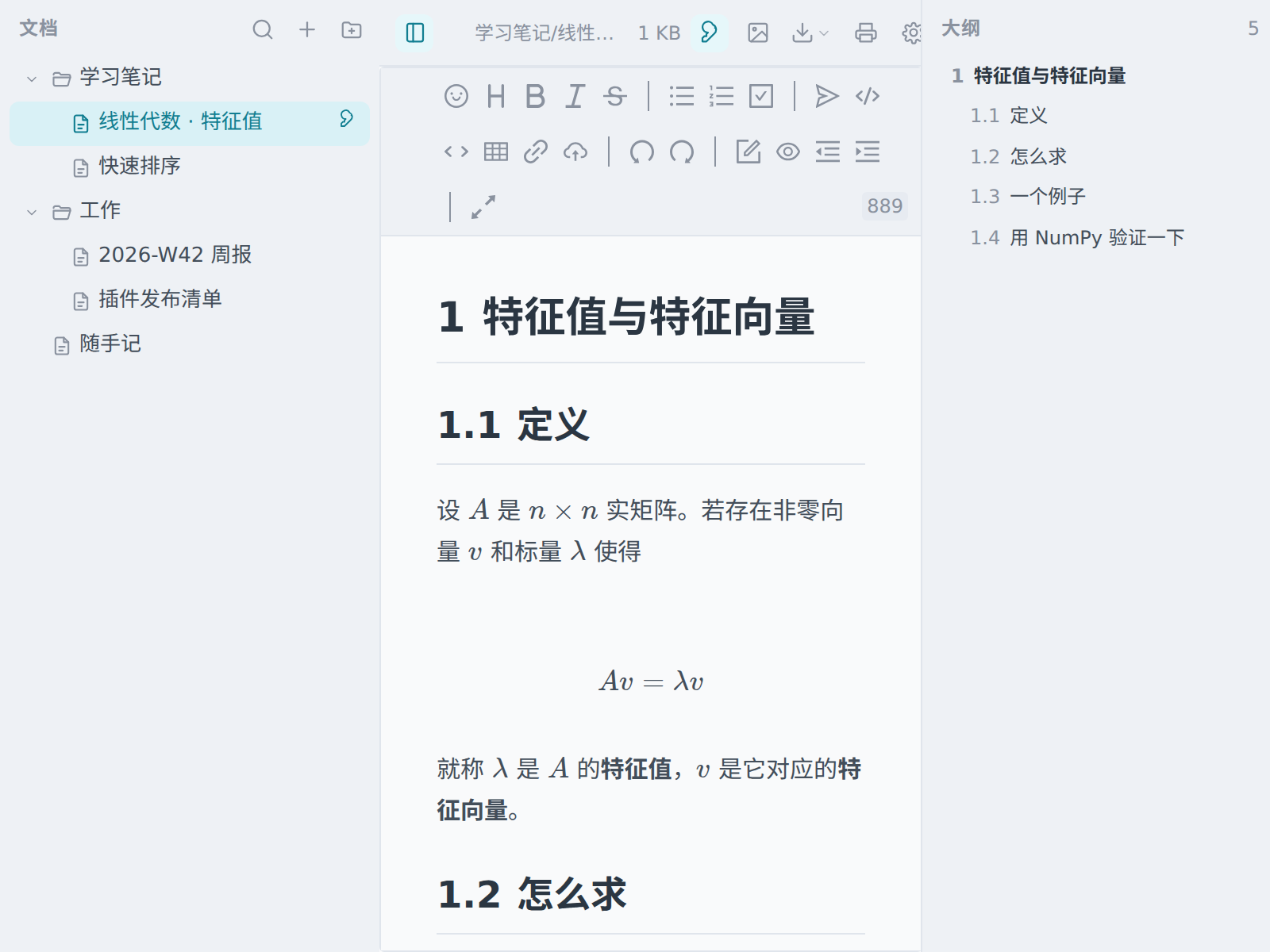
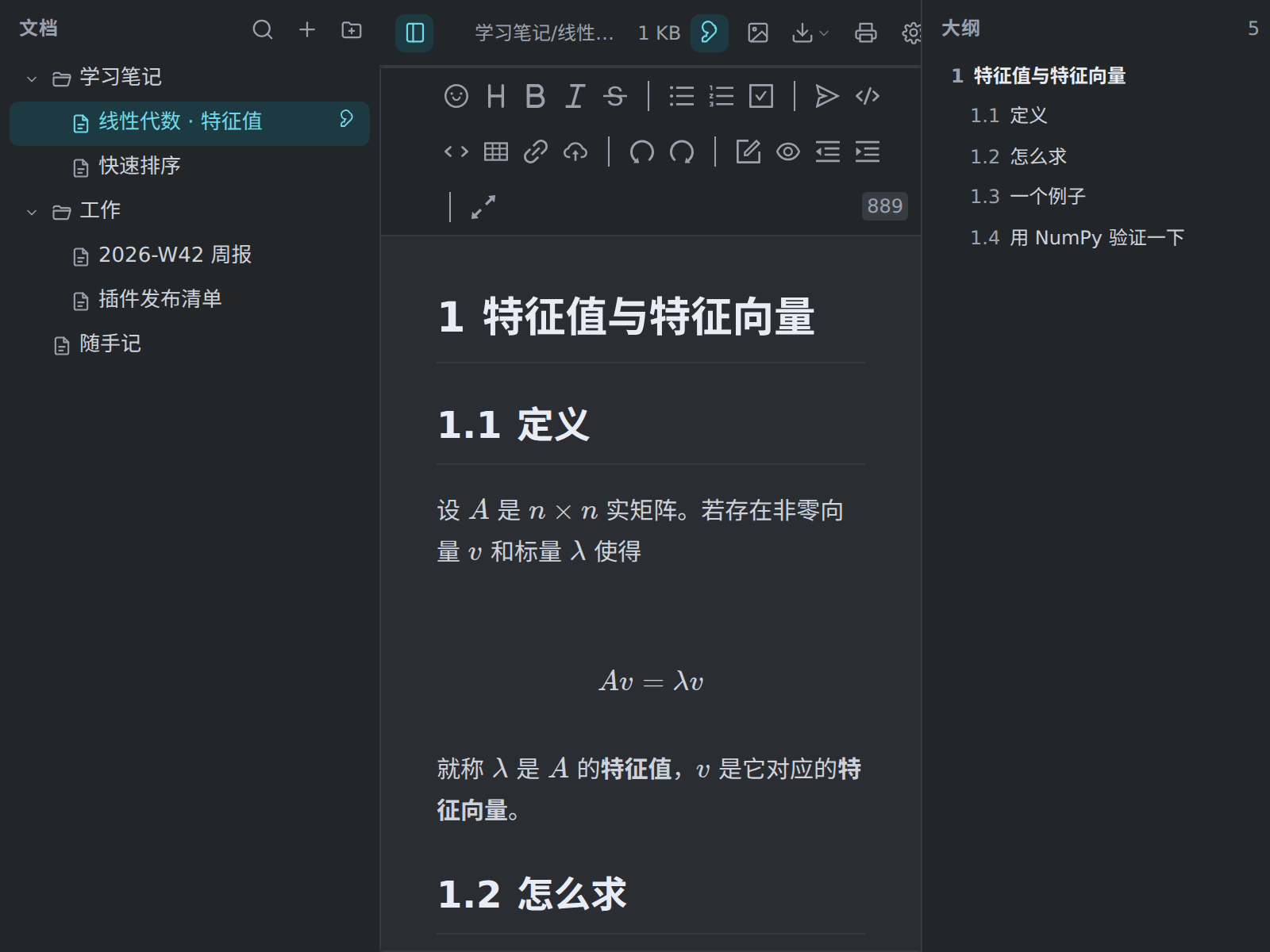
Markdown notes inside uTools: a nested outline, three editing modes and LaTeX formulas rendered fully offline.
- uTools
- uTools plugin
- Formulas without a networkThe KaTeX engine and its fonts are bundled in, so formulas render offline; mhchem is included too.
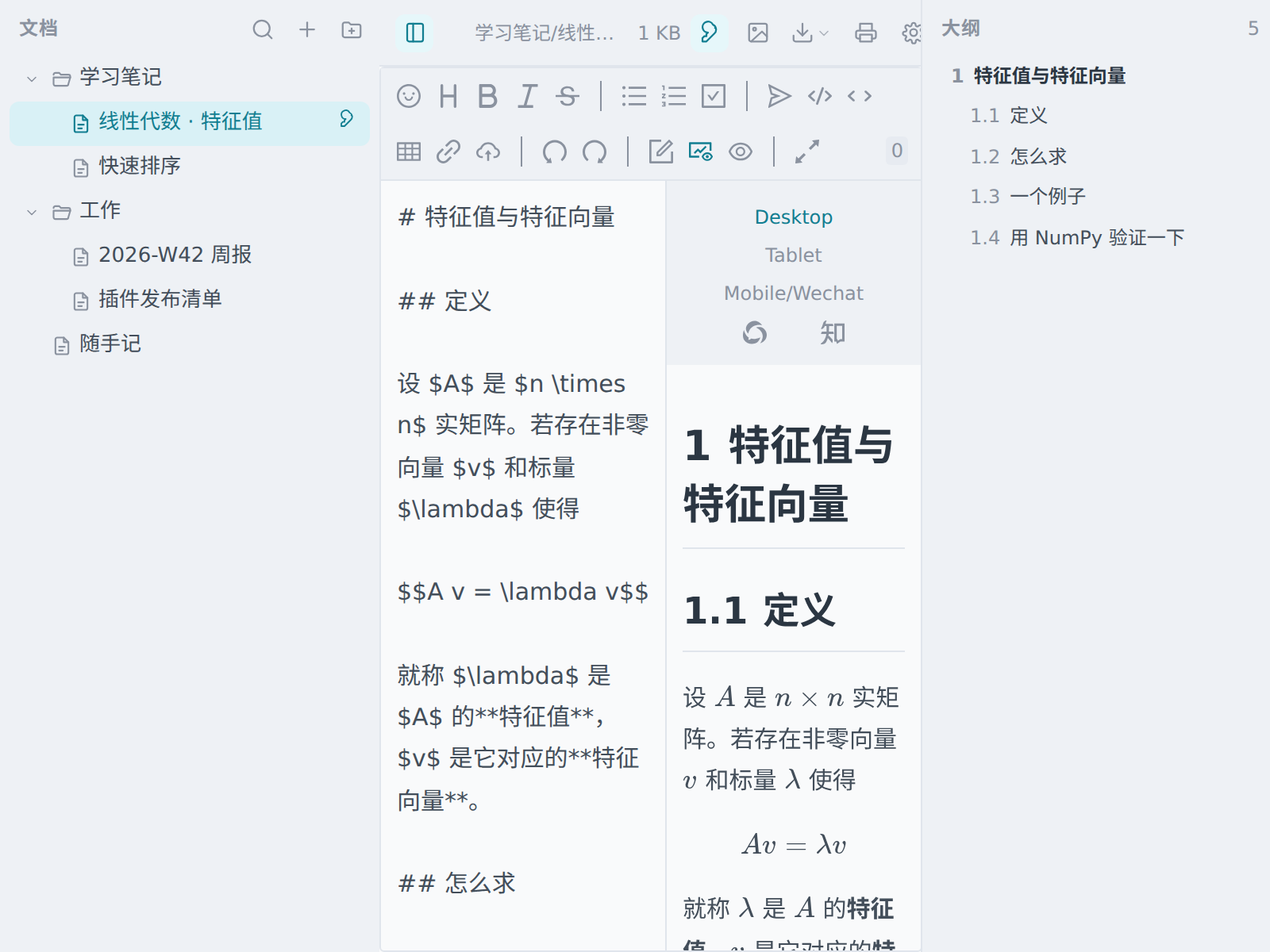
- Three editing modesWYSIWYG, instant rendering and split view — in split view the two panes scroll aligned by heading anchors.
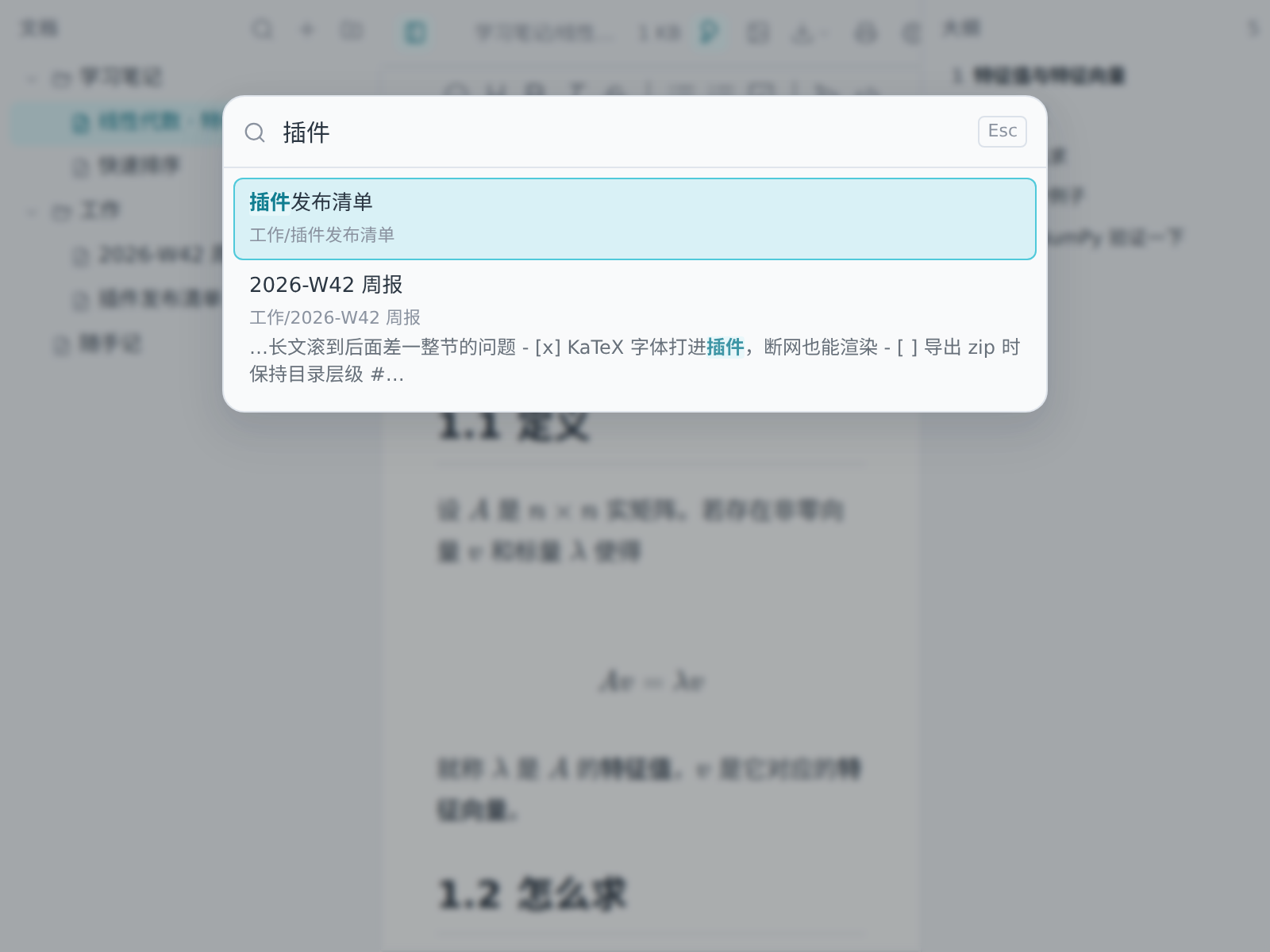
- Search the body tooSearch titles and keywords from the uTools box; inside, Ctrl/⌘ + Shift + P searches the body and shows the surrounding context.
- Five diagram types, all localmermaid, echarts, mindmap, flowchart and abc fences; each renderer is lazy-loaded and never fetched unless used.
No .upx package has been published for this plugin yet. See the releases
Screens