Screens
Select an image to view the full screenshot
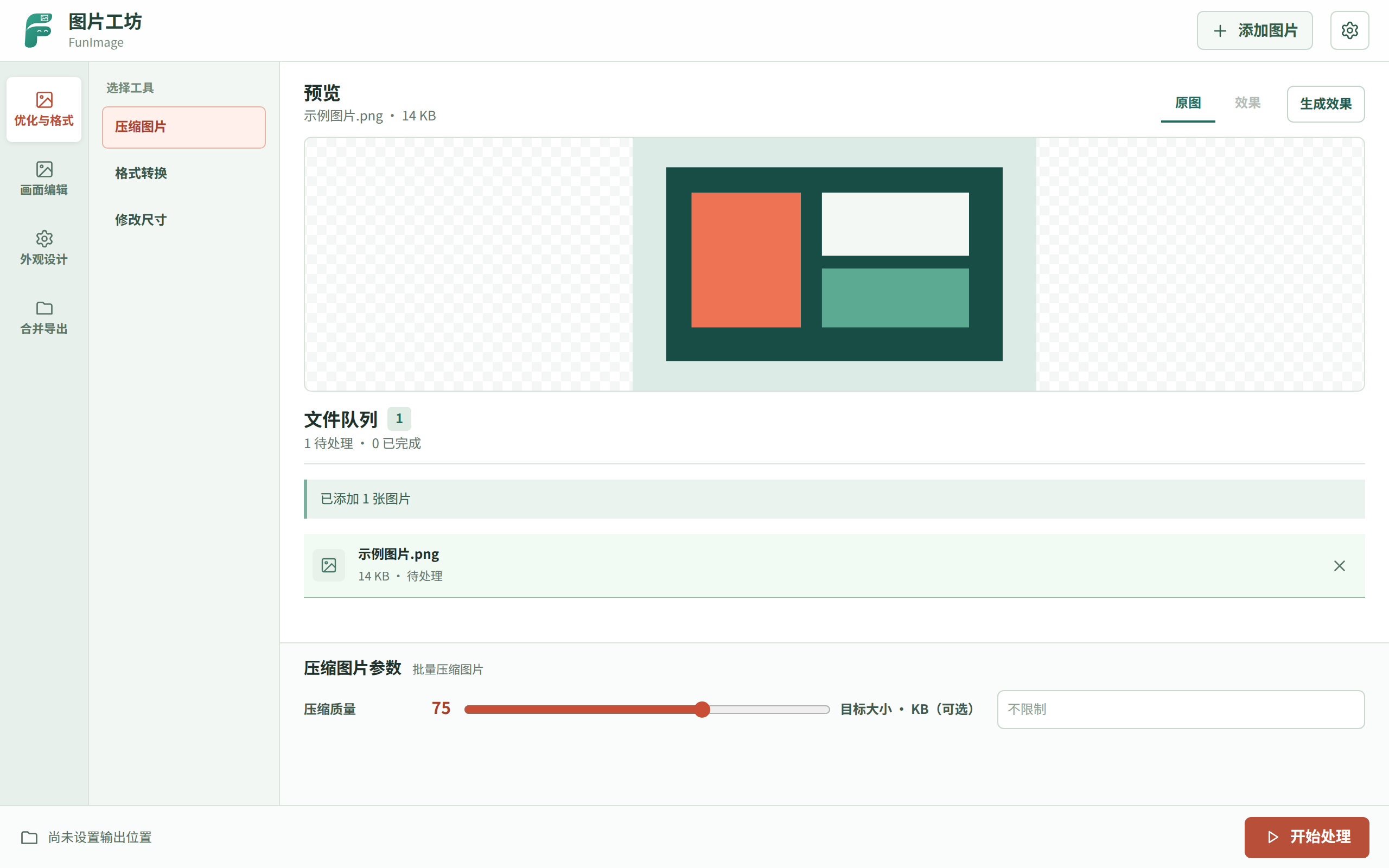
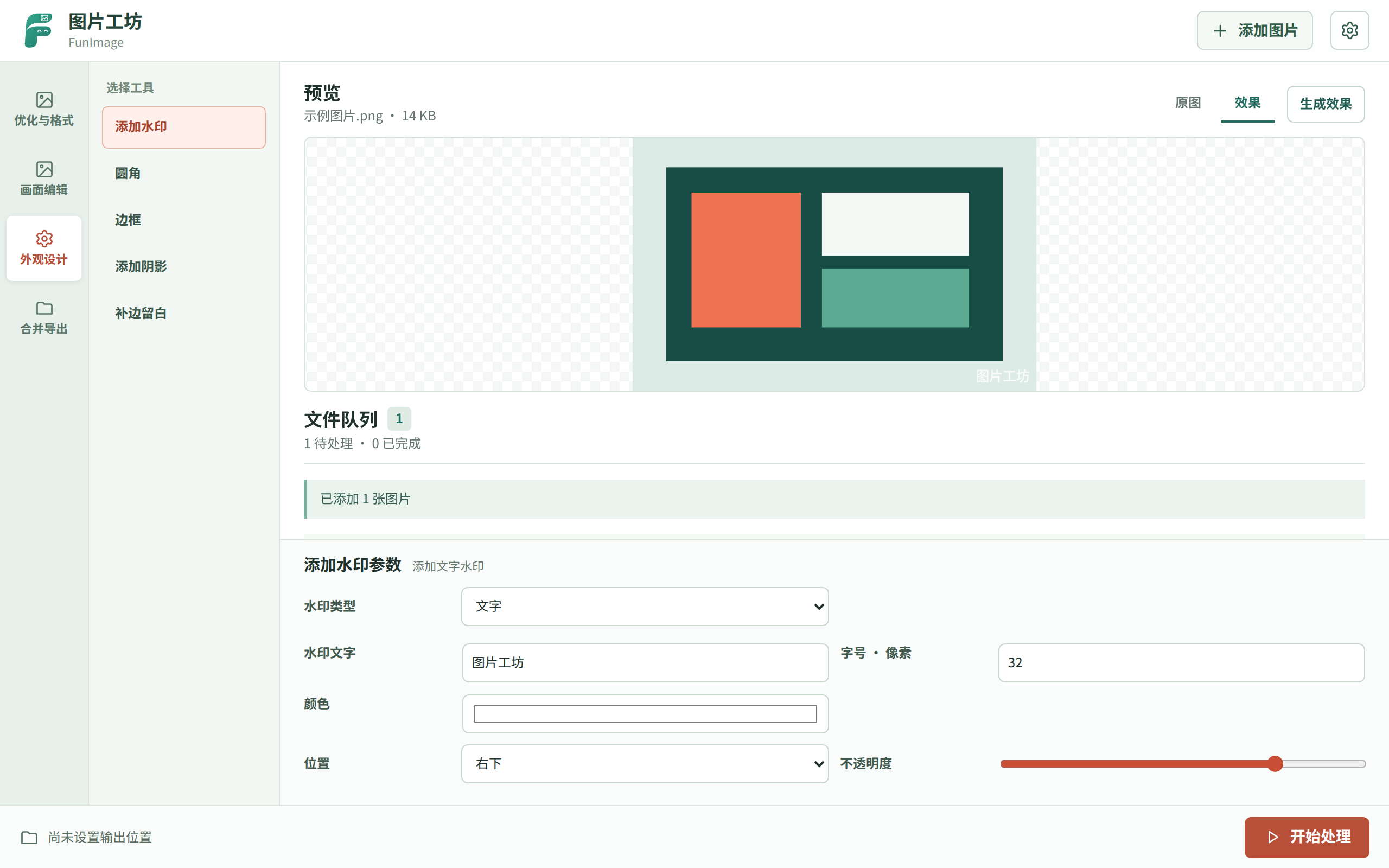
Overview
Edit images in batches, preview changes and save new copies.
FunImage compresses, converts and edits images locally. Paste or drop files, preview changes, add text or image watermarks, crop, rotate, add borders or rounded corners, and merge images into a picture, PDF or GIF.
- Batch optimisationCompress by quality or target size, convert formats and resize images.
- Preview and editPaste or drop images, preview changes, then crop, rotate, flip or add watermarks.
- Merge and exportStitch images horizontally or vertically, or merge them into a PDF or GIF.
- Local processingImages stay local. Results are saved as new files, with numbered names on collisions.
- Queue images from AIThe AI/MCP tool validates local images and queues them; you choose the operation in the plugin, with no automatic file writes.
Download the plugin package below and drag it into the uTools window. Once installed it appears in uTools as “图片工坊”.
- utools-funimage-0.3.2.upxs
A uTools plugin package — drag it into the uTools window to install. The same file works on Windows, macOS and Linux.
Import utools/plugin.json in the uTools developer tools, or download the stable .upxs package on this page.
git clone https://github.com/farfarfun-utools/utools-funimage.git
cd utools-funimageVersions
3 kept in the index
apt can install a specific version; the tap only ever carries the newest one. For an older build use apt, or take it from the release.
Changelog
Last 3 releases
This project keeps a hand-written changelog in prose, which is not worth restating here — follow a version number to read it.