Screens
Select an image to view the full screenshot
Overview
An offline five-view JSON workbench with editor, tree, nested table, columns and semantic diff.
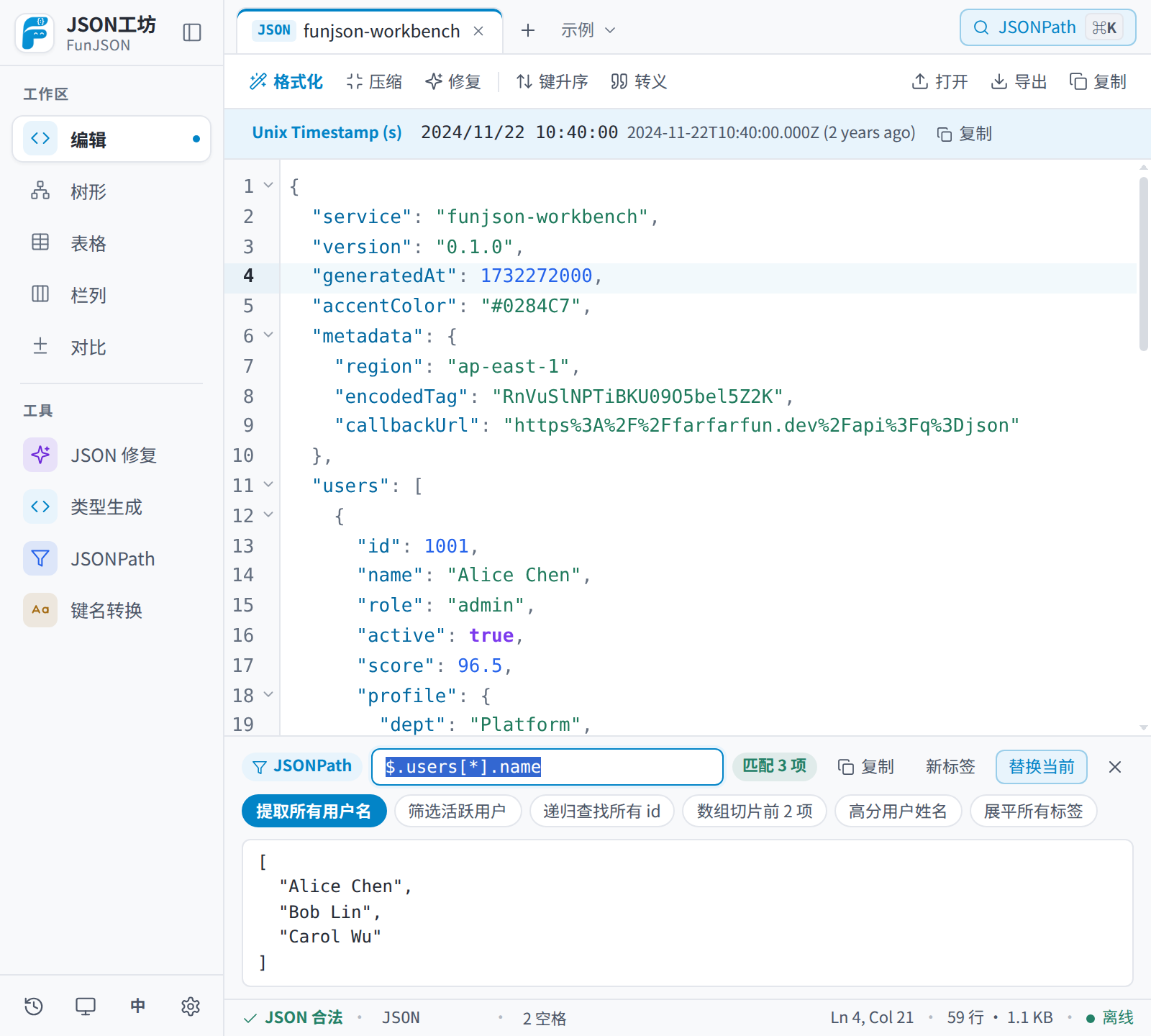
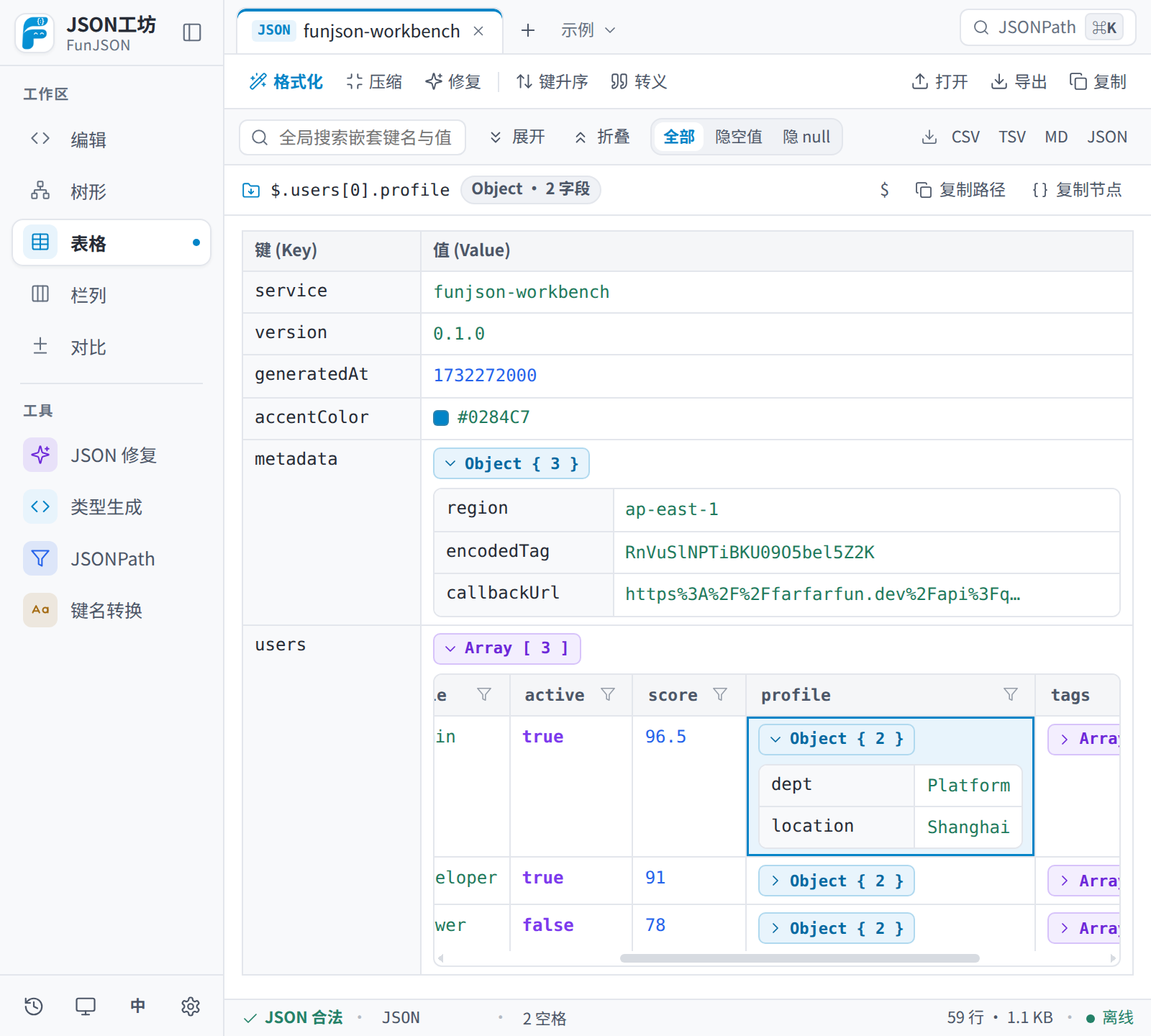
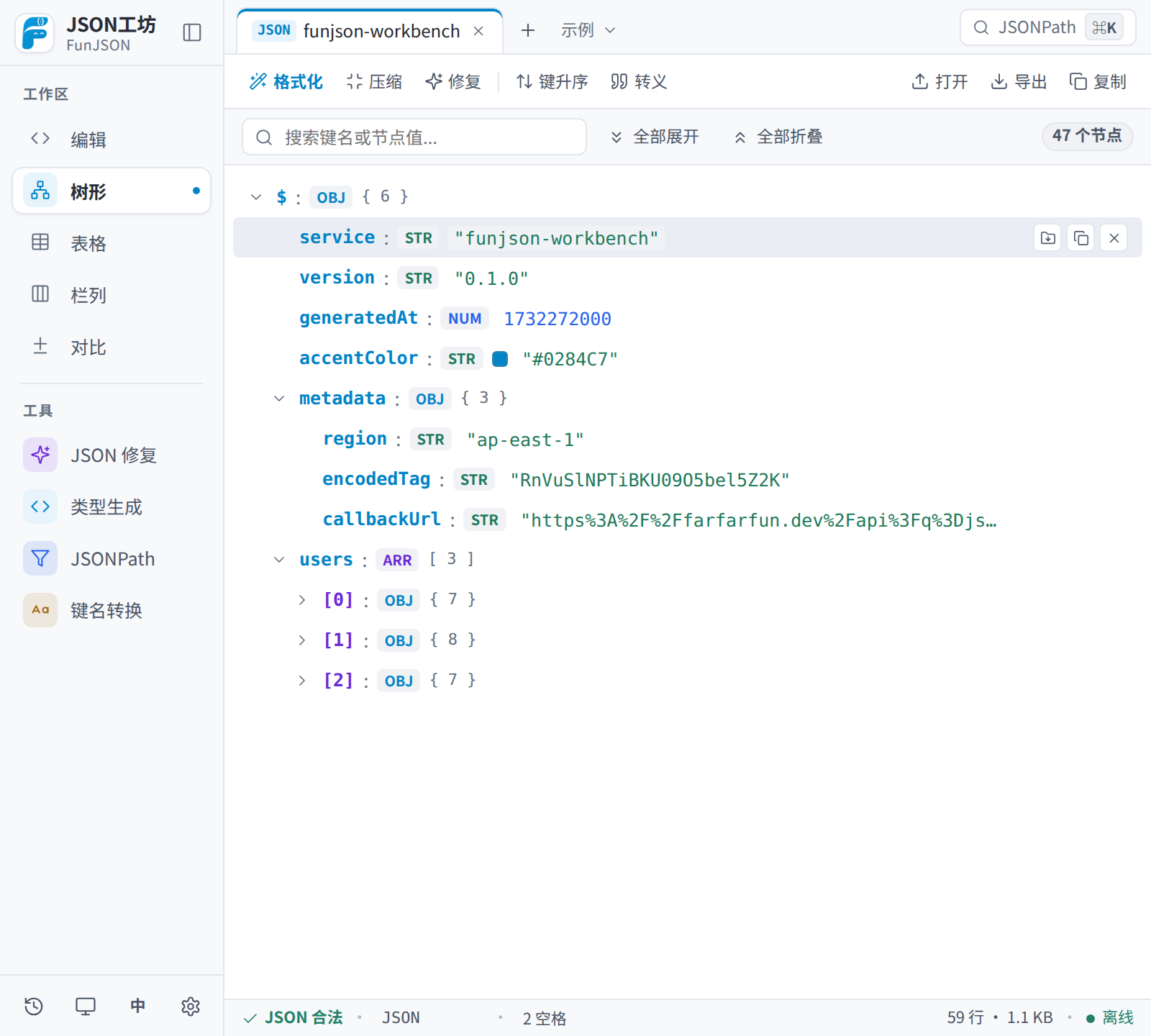
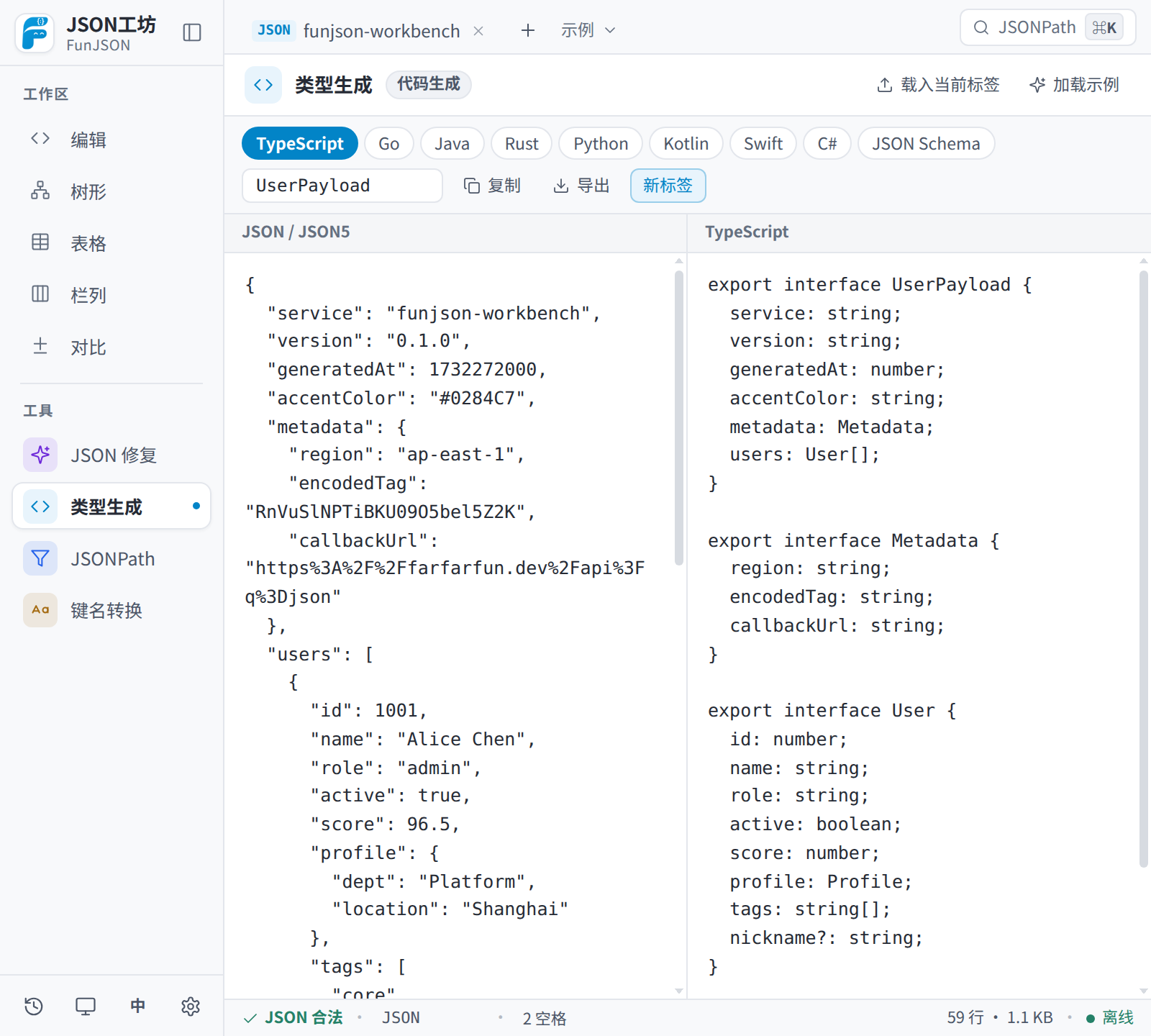
FunJSON is an offline uTools workbench for JSON, JSONC, JSON5 and NDJSON. Switch seamlessly between CodeMirror 6 editor, interactive tree, recursive nested table, Miller columns and semantic diff, with built-in RFC 9535 JSONPath, smart inspector, offline JSON repair, 9-language type generation and key case conversion.
- Five views in one workbenchSwitch between a CodeMirror 6 editor, interactive tree, recursive nested table, Miller columns and key-order-insensitive semantic diff, with multi-tab editing and snapshot history.
- Recursive nested tablesInspect nested objects and arrays as expandable inline tables with column sorting, value filtering, JSONPath breadcrumbs and export to CSV, TSV, Markdown or JSON.
- JSONPath and smart inspectorRun RFC 9535 JSONPath queries right inside the editor, and let the cursor inspector decode timestamps, colour swatches, Base64, URLs, Unicode and embedded JSON strings.
- Built-in JSON toolboxRepair broken JSON offline (with optional user-configured AI), generate types for 9 languages plus JSON Schema, test JSONPath queries and batch-convert key casing.
- Offline-first with AI toolsRuns 100% offline by default with no account or telemetry, and registers three local AI/MCP tools: format_json, query_jsonpath and json_to_types.
Download the plugin package below and drag it into the uTools window. Once installed it appears in uTools as “JSON工坊”.
- utools-funjson-0.1.0.upxs
A uTools plugin package — drag it into the uTools window to install. The same file works on Windows, macOS and Linux.
Requires Node.js 22.22.2 or newer and pnpm. Build and load utools/plugin.json in uTools developer tools. To install directly, download the stable .upxs package on this page and drag it into uTools; no build or extraction is needed.
git clone https://github.com/farfarfun-utools/utools-funjson.git
cd utools-funjson
pnpm install
sh build.shVersions
1 kept in the index
apt can install a specific version; the tap only ever carries the newest one. For an older build use apt, or take it from the release.
- 0.1.0 Latest
Released Nov 22, 2026
Changelog
Last release
This project keeps a hand-written changelog in prose, which is not worth restating here — follow a version number to read it.
Released Nov 22, 2026