Screens
Select an image to view the full screenshot
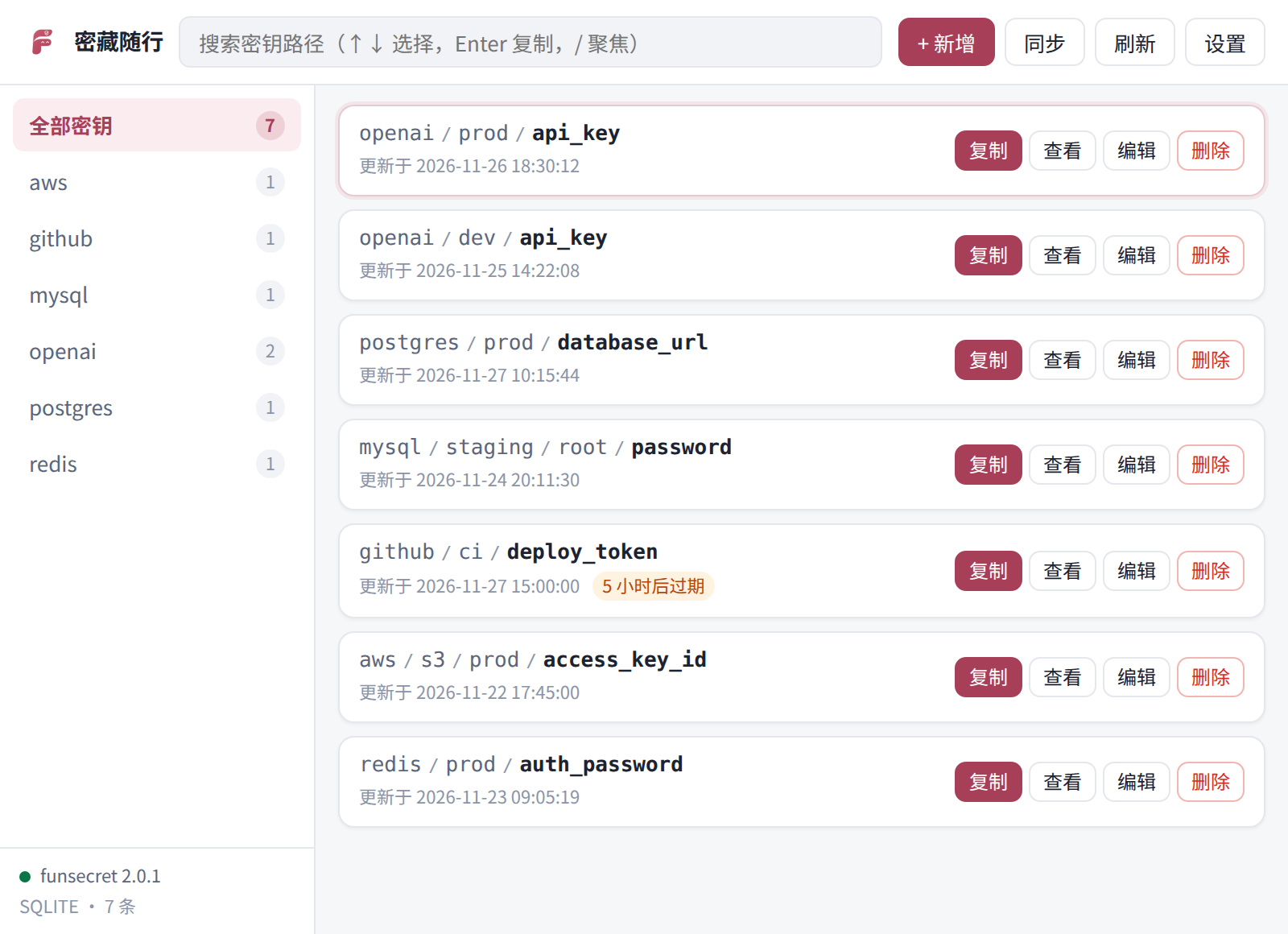
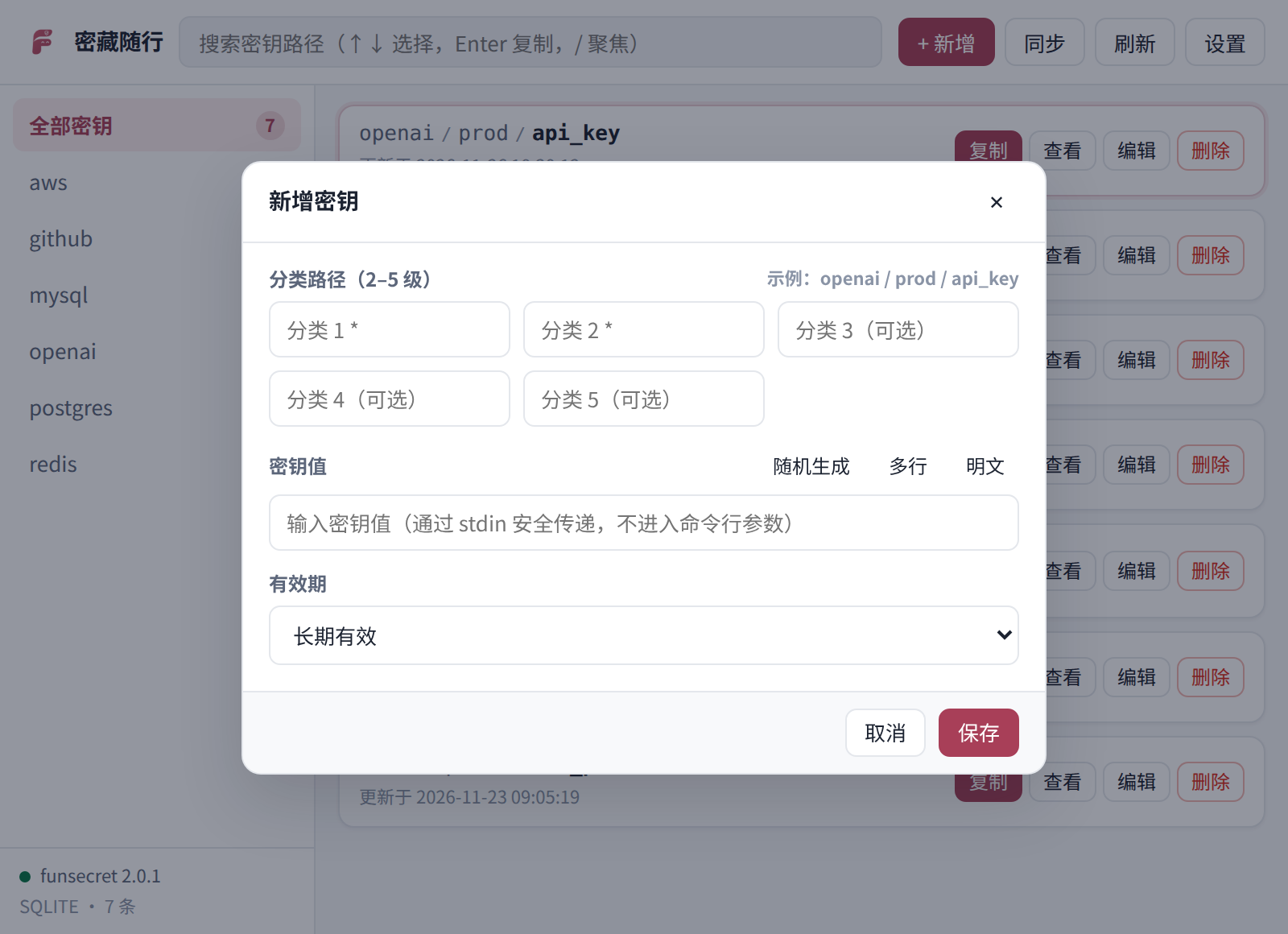
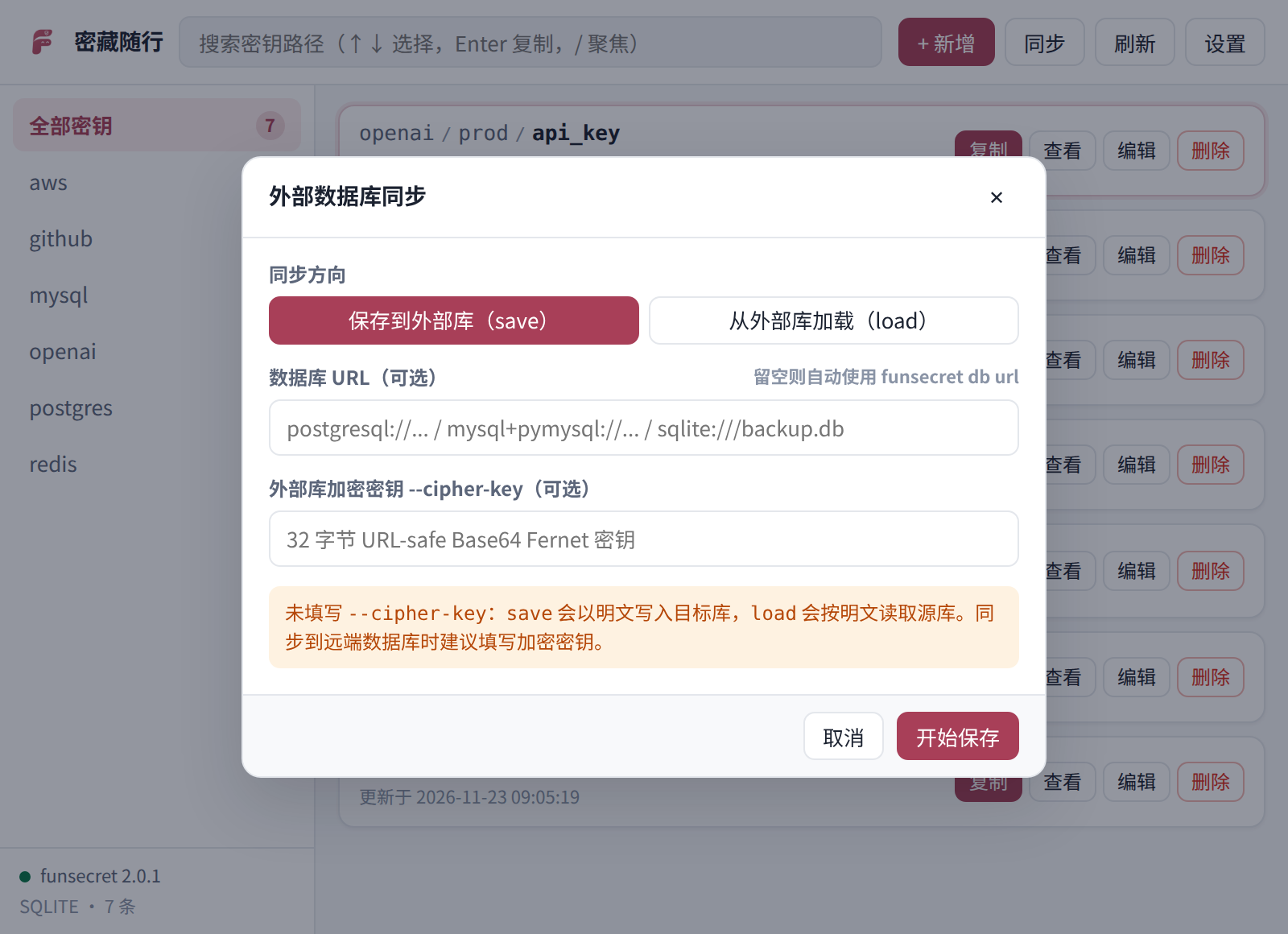
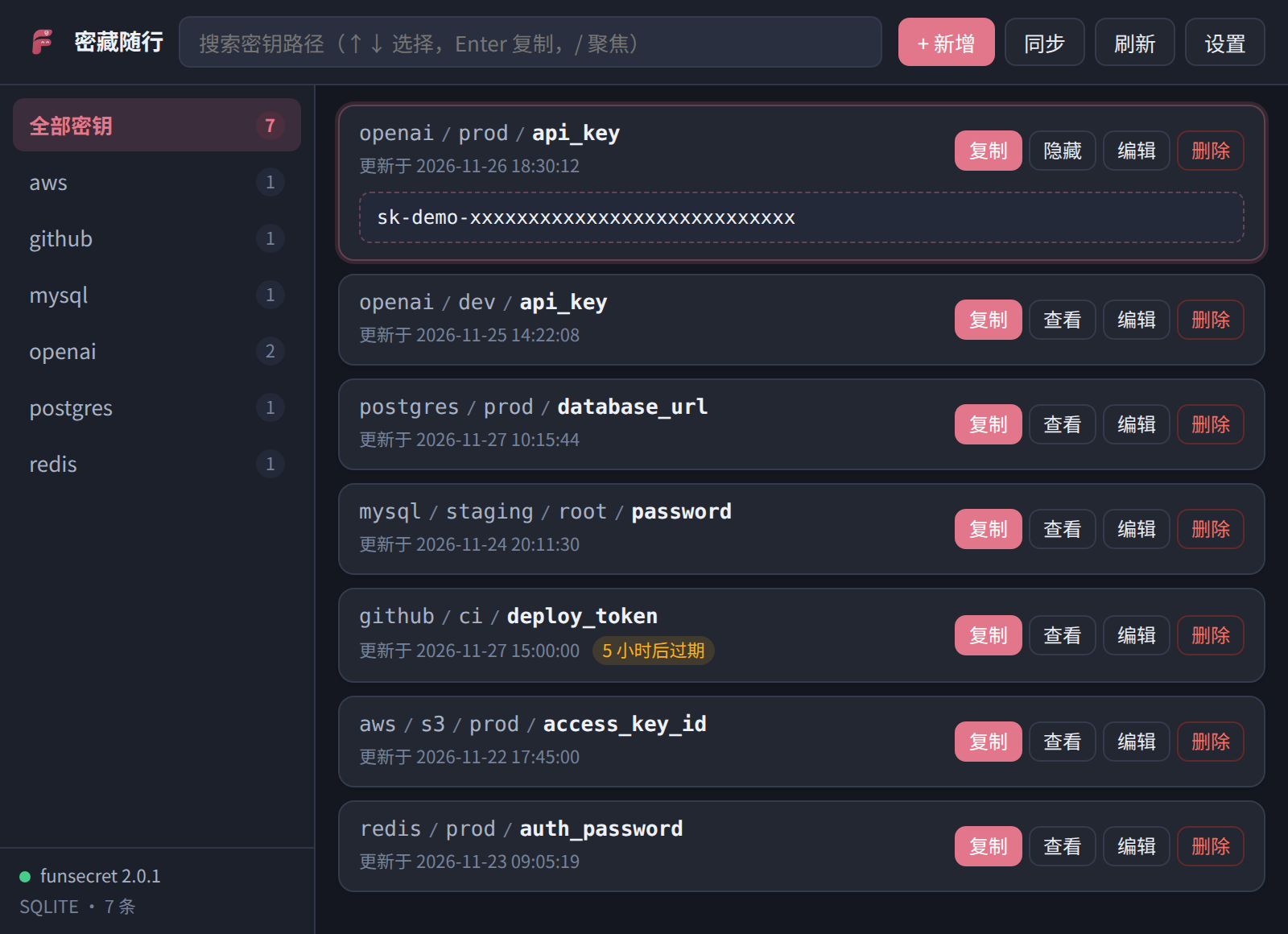
Overview
A uTools frontend for the native funsecret CLI: browse category trees, copy straight from the launcher, and sync across databases.
FunSecret is a uTools plugin powered by the native funsecret CLI for managing 2–5 level encrypted secrets locally. Lists never read or display plaintext values; it supports launcher quick-copy, clipboard auto-clear, timed inline reveal, safe stdin writes, TTL expiration, and SQLite3 / MySQL / PostgreSQL sync.
- Secrets stay on your machineAll secrets stay in your local funsecret database (~/.secret/.funsecret.db) and are never written to uTools cloud storage.
- Copy from the search boxType path keywords right in the uTools search bar, press Enter to read and copy on demand, with automatic clipboard clearing.
- Category tree & safe editingAuto-grouped 2–5 level tree with prefix completion, multiline/random secret generation, stdin writes, TTL expiry and single-item delete.
- Multi-database syncVisual wrapper for funsecret save / load across SQLite3, MySQL and PostgreSQL with optional --cipher-key encryption.
- Paths-only AI / MCP toolRegisters a read-only list_secret_paths tool returning category paths and timestamps only — never secret values.
Download the plugin package below and drag it into the uTools window. Once installed it appears in uTools as “密藏随行”.
- utools-funsecret-0.1.0.upxs
A uTools plugin package — drag it into the uTools window to install. The same file works on Windows, macOS and Linux.
Versions
1 kept in the index
apt can install a specific version; the tap only ever carries the newest one. For an older build use apt, or take it from the release.
- 0.1.0 Latest
Released Nov 28, 2026
Changelog
Last release
This project keeps a hand-written changelog in prose, which is not worth restating here — follow a version number to read it.
Released Nov 28, 2026