Screens
Select an image to view the full screenshot
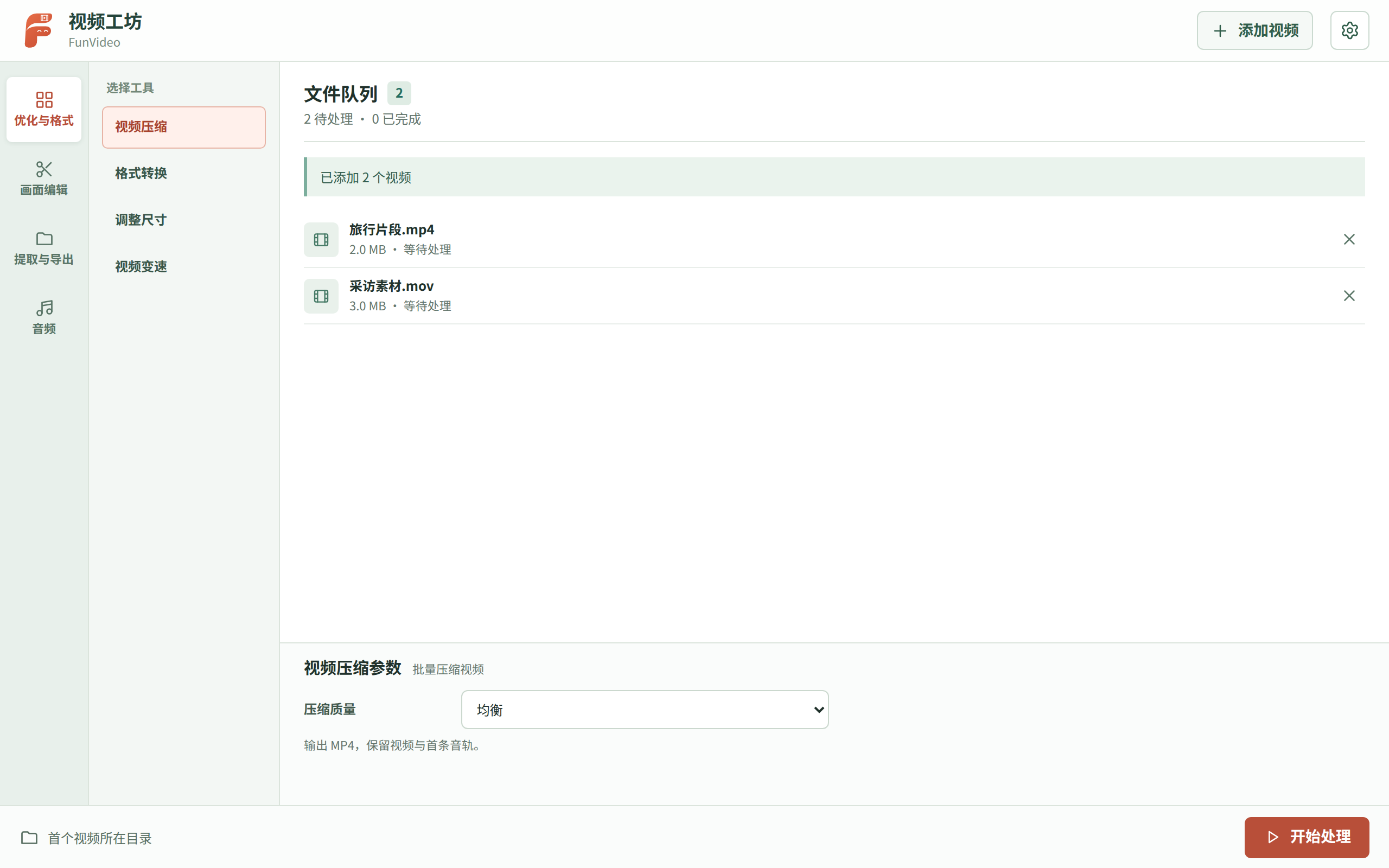
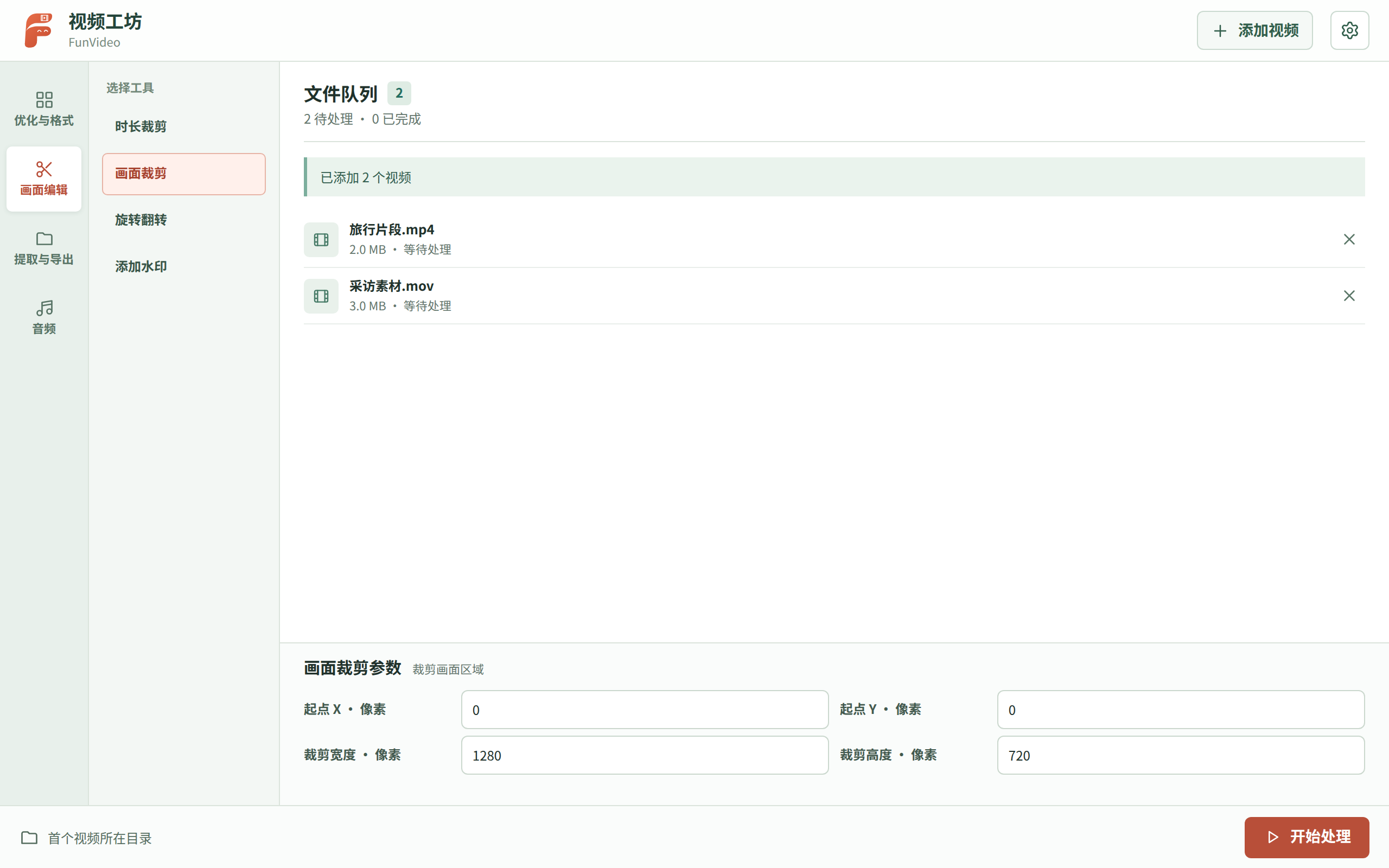
Overview
Process local videos in batches and keep each run organised.
FunVideo uses the uTools FFmpeg extension to compress, convert, trim and edit local videos in batches. Add watermarks, change speed, export GIFs, covers or frames, and process audio. Each run gets its own output folder.
- Batch processingQueue multiple videos, track each job, cancel processing or retry failures.
- Video editingCompress, trim, crop, resize, convert, change speed and add image watermarks.
- Extract and exportExport GIFs, covers and timed frames, or extract, mute and adjust audio.
- Separate output foldersEach run creates a timestamped folder to avoid collisions. Videos are never uploaded.
- Queue videos from AIThe AI/MCP tool validates local videos and queues them; you choose the operation, with no automatic FFmpeg run.
Download the plugin package below and drag it into the uTools window. Once installed it appears in uTools as “视频工坊”.
- utools-funvideo-0.4.2.upxs
A uTools plugin package — drag it into the uTools window to install. The same file works on Windows, macOS and Linux.
Import utools/plugin.json in the uTools developer tools, or download the .upxs package on this page. Video processing requires the uTools FFmpeg extension.
git clone https://github.com/farfarfun-utools/utools-funvideo.git
cd utools-funvideoVersions
3 kept in the index
apt can install a specific version; the tap only ever carries the newest one. For an older build use apt, or take it from the release.
Changelog
Last 3 releases
This project keeps a hand-written changelog in prose, which is not worth restating here — follow a version number to read it.